 Jikū
Check guests in
One link per door staff, QR tickets that pass only once, even offline.
On the day, your door staff scan QR tickets from their phone. They need no account: each one gets a personal link.
Add your operators
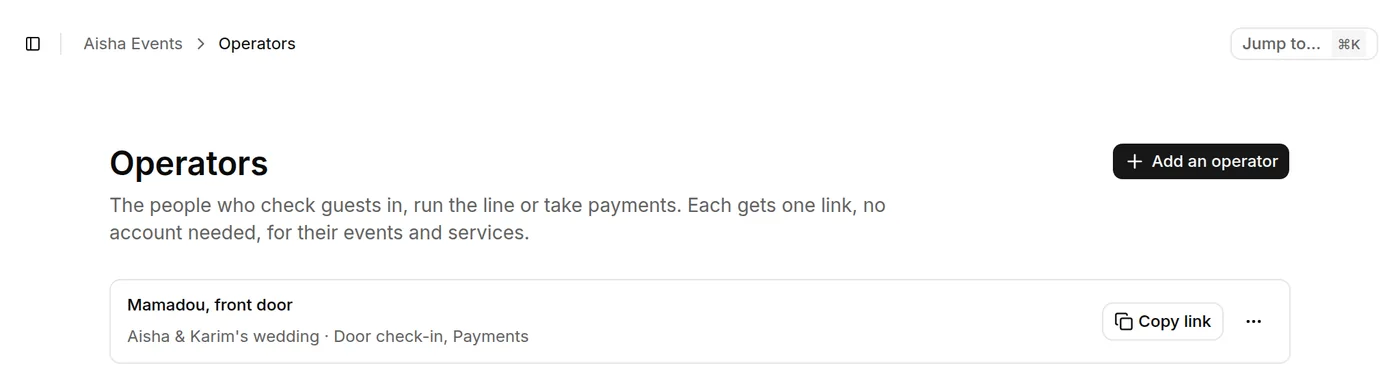
In Operators, add each person who checks guests in, with a name that tells them apart ("Mamadou, front door"). Each one gets a personal link that only opens what you entrust to them.
Send the link
Tap Copy link on their row and send it to the door staff, on WhatsApp for example. They open it in their phone's browser: no app to install.
Scan the tickets
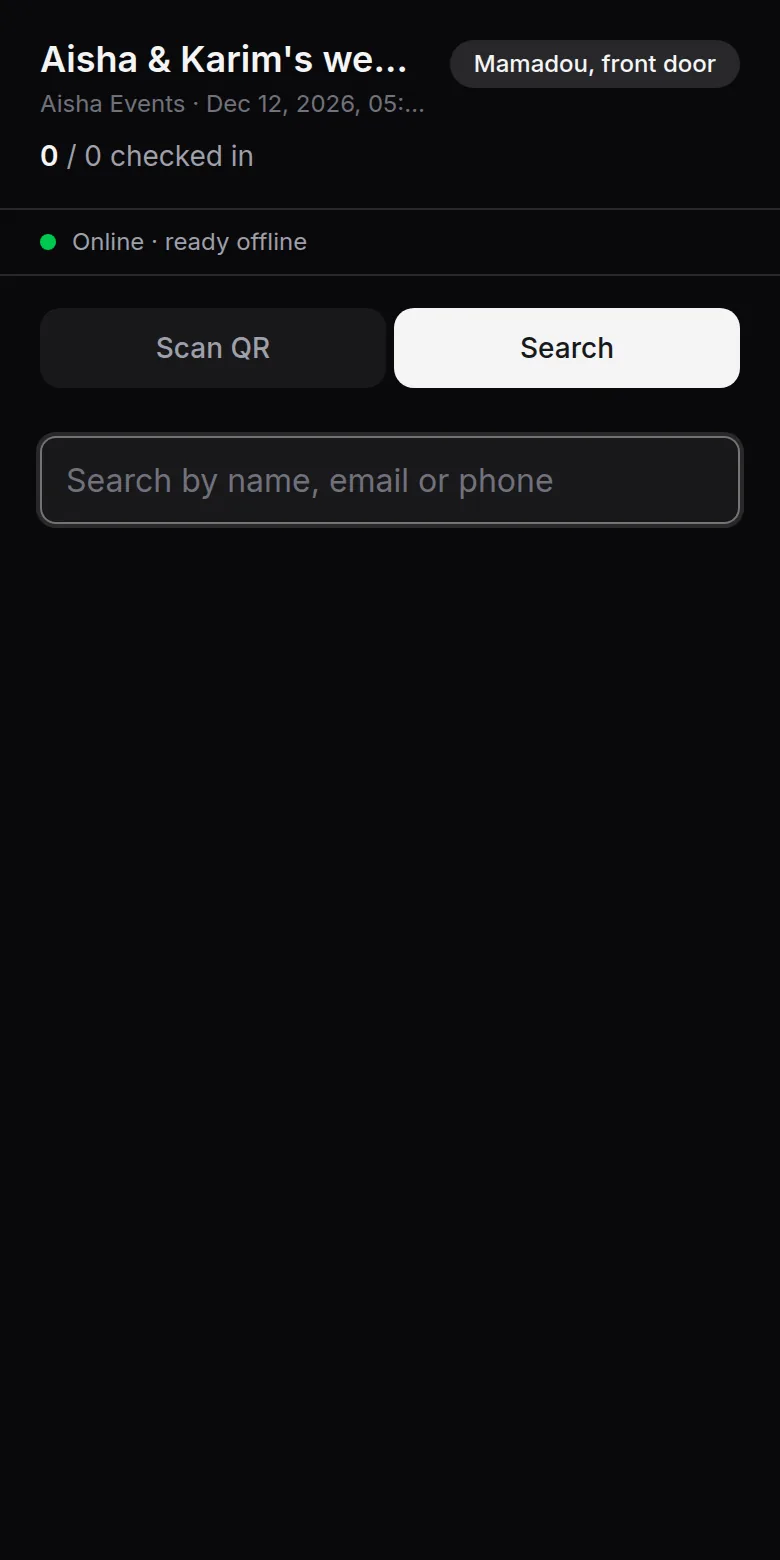
At the door, they scan each guest's QR ticket. A ticket passes only once: a copy is refused. After Checked in, the scanner comes back by itself for the next guest; a refused ticket stays on screen until the validator taps it.
Offline
The guest list is already on the door staff's phone: checking continues when the network drops, and entries sync when the connection returns. You follow arrivals live from the event.
A door staff loses their phone?
In Operators, open the … menu on their row and tap Revoke: their link stops working, without touching the others.